Fortnite v39.00 Ecosystem Update: What UEFN Creators Need to Know
Fortnite v39.00 is a pivotal ecosystem update for Unreal Editor for Fortnite (UEFN) creators—especially anyone preparing to monetize with in-island transactions, optimize for mobile-first performance, or build deeper gameplay systems using physics, AI, and Scene Graph.
This release doesn’t just add tools—it clarifies timelines and raises the bar for compliance and operations. Epic confirms a firm publishing date for in-island transactions (January 9, 2026), continues consolidating analytics inside Creator Portal, expands mobile iteration tooling with Mobile Preview, and introduces major upgrades to physics debugging and Verse control.
Below is a structured breakdown of the biggest v39.00 changes, what they mean for creators, and what to do next. For full technical implementation details, rules, and reference material, readers should review Epic’s official v39.00 documentation.
Reminder: Legacy Analytics Site Retires December 10, 2025
Epic reiterates that the Legacy Analytics site is retiring on December 10, 2025, following the launch of the account-wide Monetization page in Creator Portal.
What Creators Should Expect
- All monetization metrics are now available under Monetization in Creator Portal.
- A new Reporting page (coming soon) will live under Monetization.
- Reporting will allow owners/admins to download data across multiple games at once.
Action: If your team still relies on the legacy site for reporting workflows, migrate now—before Dec 10.
In-Island Transactions: Publishing Opens January 9, 2026
The most important line in v39.00 is the publishing update:
Publishing for in-island transactions will open January 9, 2026.
Epic is shifting the date to allow more time for testing and bug fixing before going live to players. You may see the Experimental flag removed, but publishing will not be live until Jan 9.
What’s New for Testing in v39.00
Epic expands what creators can test on their islands now (without deducting V-Bucks), including:
- Restrictions such as:
GetMinPurchaseAgeRestrictDirectPromptsToPurchaseRestrictPaidRandomItem
- Validation rules (errors when products have invalid data, such as exceeding V-Bucks pricing maximums)
- Real & persistence flows (no V-Bucks deducted)
This is a major shift from “preview tooling” to “systems validation.”
Consequential to Gameplay: New Requirement
Epic adds a critical classification rule: items that provide meaningful gameplay advantages are considered Consequential to Gameplay.
- In your code, you must set
ConsequentialToGameplay = Truefor those items. - Epic directs creators to the Creating Items and Offers documentation for guidance.
This is both a design constraint and a compliance requirement—particularly important for competitive modes, progression systems, and paid access gating.
Developer Rules Updates: New Disclosure Requirements
Epic urges creators to re-check the Fortnite Developer Rules, citing new rules specifically for disclosures:
- Rule 4.4.12: disclosure requirements for in-island items that provide meaningful advantage
- Rule 4.4.13: disclosure requirements for in-island offers that provide access to paid areas
If you’re building paid progression, paid zones, or purchasable power, this is mandatory reading.
Update to Publishing Terms: Fortnite Developer Agreement
Epic notes a major terms change:
- “Engagement Payout Program Terms” have been updated to the Fortnite Developer Agreement.
- You can review and accept the new agreement in Creator Portal now.
- Soon, acceptance will be required to continue publishing.
Action: Treat this like a production blocker—ensure the account owner/admins accept the updated agreement before your next publish window.
Mobile Updates: Mobile Preview + Improved Touch Controls
v39.00 adds multiple features aimed at supporting mobile-first development, which matters more than ever as creator islands compete for broad device coverage.
Mobile Preview in UEFN
Mobile Preview allows you to launch a Fortnite session in a mobile mode with:
- Configurable aspect ratios
- Mobile scalability settings
- More realistic evaluation of:
- lighting
- materials
- VFX
- UI/HUD layouts
Known issue: Device Profiles are currently an approximation because they use the Windows Scalability Group. Epic indicates this will be fixed in a future release.
Input Trigger Device Updates (Mobile)
Creators can now:
- Customize touch button layouts and scaling
- Customize mobile icons
- Subscribe to directional inputs (like a virtual joystick) via Input Trigger
This is especially relevant for shooters, tycoons, RPGs, and puzzle games that depend on reliable touch UX.
Performance Tooling: Spatial Profiler and Memory Diagnostics
Spatial Profiler Improvements
Epic improves Spatial Profiler usability and reporting:
- Save/load data from multiple devices in one file
- Metric status system with thresholds:
- Green (within)
- Yellow (reaching limits)
- Red (beyond)
- Tooltips to clarify what each metric impacts
- Map panning consistency (right-click)
- Improved grouping and iconography
New Fortnite Tools for Memory Diagnostics
Two new tools target common performance pitfalls:
- Optimize Texture: detects/report texture inefficiencies
- Optimize Static Mesh: detects/report static mesh inefficiencies
You can find these under Fortnite Tools via Select Mode.
Physics Toolset Expansion: Verse API, Add Physics Tool, Chaos Visual Debugger
UEFN physics keeps maturing in v39.00 with three major upgrades.
New Physics Verse API
New Verse functions for fort_character and creative_prop enable more advanced physics interactions:
- Get/set linear velocity
- Get mass
- Apply linear impulse/force
- For props: get/set angular velocity + apply angular impulse/torque
Epic recommends checking the Verse API Reference for full details.
New Add Physics Tool
Fortnite Tools gains an Add Physics tool for batch workflows:
- Add Physics (adds FortPhysics component, sets Simulate Physics True)
- Remove Physics
- Select Physics
- Select Non Physics
For large islands, this is a practical productivity win.
Chaos Visual Debugger Enabled (CVD)
CVD is now enabled for UEFN development, supporting capture, replay, and inspection of:
- physics geometry
- collision contacts
- scene queries
You can access it via Tools > Debug > Chaos Visual Debugger.
This is especially valuable for investigating unexpected query results, collision behavior, and physics geometry complexity.
AI & NPC Control: New Scene Graph Components for Behaviors
Epic introduces a major update for NPC control in Verse by shifting key capabilities into Scene Graph components attached to NPC entities.
New components include:
npc_actions_component(basic execution commands, movement/focus)guard_actions_component(guard-specific behaviors like attack, vaulting, revives)npc_awareness_component(monitor detected targets)guard_awareness_component(targets, obstacles, alert state)
This creates a more granular, scalable foundation for reactive AI systems.
Debug Commands Additions
v39.00 adds more Beta Debug Commands:
- Print Owned Products (outputs owned products)
- Change World Speed (affects time-based systems)
- Infinite Building Resources (wood/stone/metal)
Discover Changes: Social Play Signals and Variety Improvements
Epic updates Discover ranking models with a stronger emphasis on social play:
- party invite success rate
- party join rate
- n- % time spent in a party
Epic is also testing new rows that highlight social islands, improving viral detection and social graph systems.
In addition:
- the New and For You row is updated to boost visibility for innovative islands that quickly immerse players
- similar islands are now limited in New/Updated/New Experiences rows
- duplicate detection improvements are planned
Creators should review the updated How Discover Works documentation for the most accurate guidance.
Epic’s Picks: Attribution Requirement Begins in v39.00
Starting with v39.00, islands submitted to Epic’s Picks must include attributions on their island code.
- Developers must upload attribution links in Creator Portal for custom assets/music they don’t own.
- Submissions missing attributions will not be reviewed.
This is a procedural requirement—treat it as a gate.
XP Tag Removed from Discover
Epic removes the XP tag because it didn’t clearly communicate what (beyond playtime) was awarding XP.
Pacific Break Content Update: Chapter Seven Assets and Items
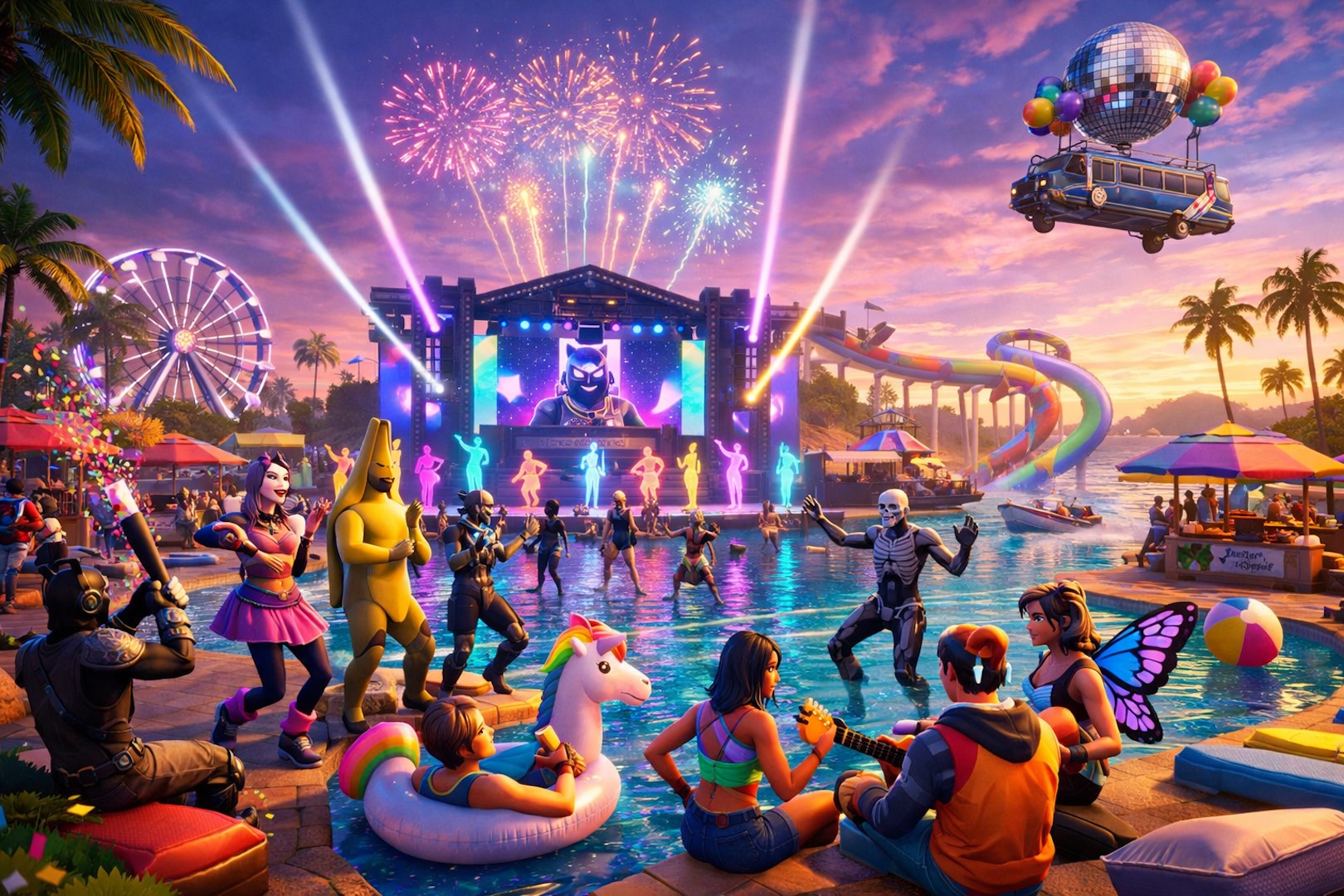
v39.00 brings a major content drop: Chapter Seven: Pacific Break assets arrive in UEFN and Creative.
Devices
- Loot Cannon added to Chest and Ammo Gallery
- Known validation fix: on
Creative_LootCannonprop, selectCannonFireEffectcomponent → setPreview Meshto None.
- Known validation fix: on
DBNO Device Updates
Down But Not Out device gains new options including:
- Improved DBNO mode
- Dodge roll, sprinting, stamina cost
- hurdle
- interaction behaviors (CH7S1)
Art Content: New Galleries Across POIs
New galleries cover Pacific Break locations:
- Battlewood Boulevard
- Tiptop Terrace
- Bumpy Bay
- Classified Canyon
- Ripped Tides
- Wonkeeland
Plus gameplay-oriented props like Ferris Wheel, Water Slide, Water Jet, and Water Innertubes.
Items and Weapons
Items:
- Wingsuit
- Grenade
New weapons:
- Arc Lightning Gun
- Holo Rush SMG
- Iron Pump Shotgun
- Twin Hammer Shotguns
- Deadeye Assault Rifle
Weapon improvements for CH7S1 include ADS while reloading/in air, checkpoint reload, aimpoint recoil, and more. Updated versions of some unvaulted weapons are also included.
New Documentation: Device Design Examples
Epic adds new design example docs for:
- Cinematic Sequence Device
- Conversation Device
- Vehicle Mod Box Spawner Device
These are useful for onboarding, narrative, and moment-to-moment engagement design.
Community Bug Fixes and Platform Fixes
v39.00 includes multiple community-driven fixes spanning:
- first-person camera behavior
- phone tool spline mesh duplication control points
- zipline/grind rail previews
- building/editing logic under disallow-building settings
- multiple device reliability improvements
Known Issues to Track
Epic lists several known issues creators should plan around, including:
- Typhoon Blade and The Kneecaper tactical sprint failures
- Post Game Type set to Custom can lock post-match screen input (players may need to use Overlay)
- Certain Chapter Seven gallery assets show breakable glass in UEFN that won’t appear when published
- Various asset issues: collision, previews, icons, alignment, and VK-Edit selection
Scene Graph note: Scene Events remain effectively experimental due to a Live Edit session failure risk; Epic provides guidance to remove specific references if impacted.
What Creators Should Do Next
If you’re building for 2026, v39.00 sets clear priorities:
- Prepare for Jan 9, 2026: finalize in-island transactions design, validation, and disclosures.
- Migrate analytics before Dec 10, 2025 and set up Creator Portal reporting workflows.
- Adopt Mobile Preview and audit touch UX using Input Trigger updates.
- Use the new memory tools (Optimize Texture / Optimize Static Mesh) and Spatial Profiler improvements.
- Level up physics debugging with Add Physics and Chaos Visual Debugger.
- Update compliance workflows: attributions for Epic’s Picks, new disclosure rules, and the Fortnite Developer Agreement.
For full release notes, implementation steps, and rule details, readers should consult Epic’s official v39.00 documentation : 39.00 Fortnite Ecosystem Updates and Release Notes