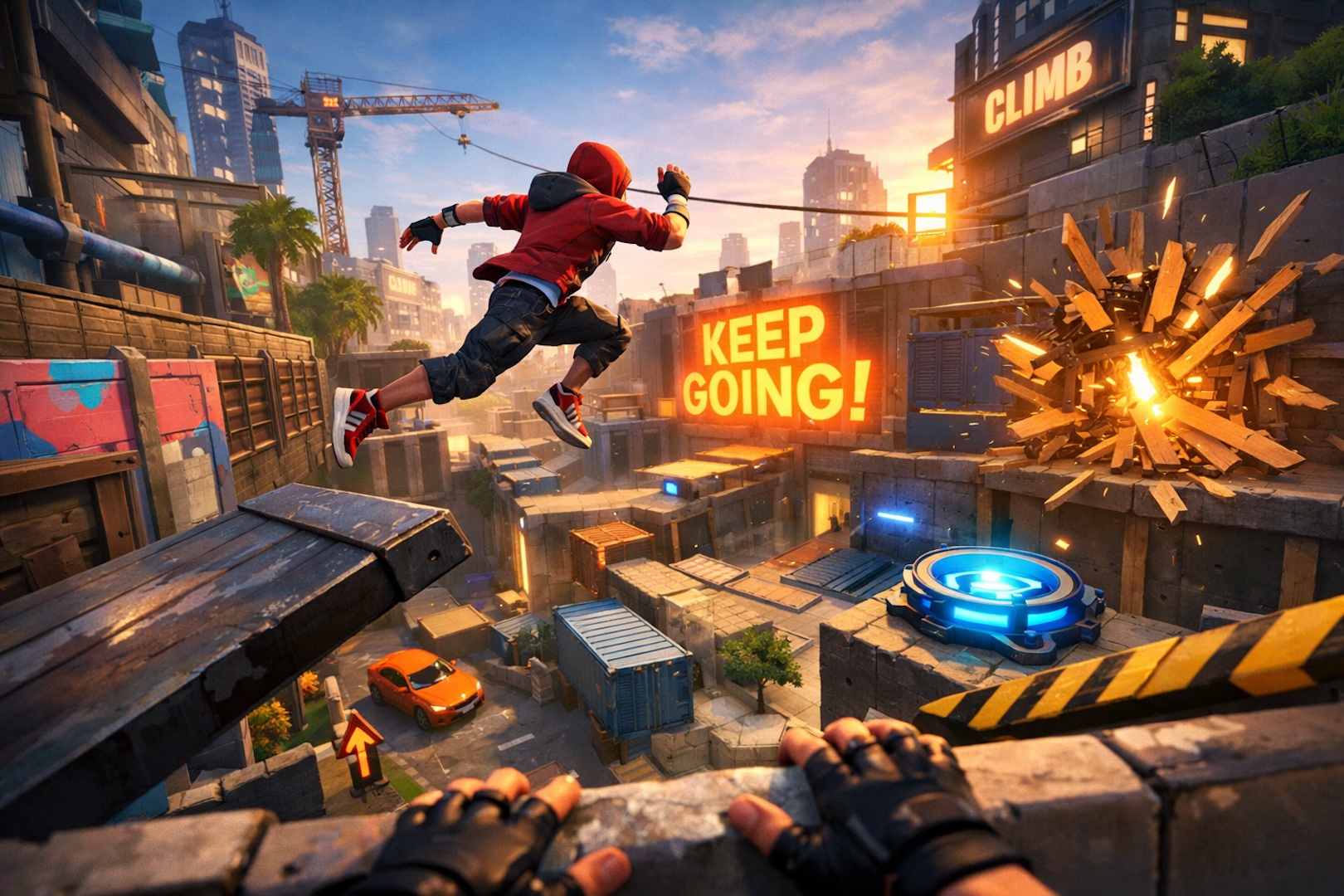

Unreal Editor for Fortnite (UEFN) is a powerful tool that allows creators to design, develop, and deploy custom experiences within Fortnite. Whether you’re a seasoned developer or just starting out, mastering UEFN is essential to bringing your creative ideas to life. This guide will provide you with the fundamental tips and tricks you need to get started and succeed in UEFN.
1. Understanding the UEFN Interface
Before diving into development, it’s crucial to familiarize yourself with the UEFN interface. The editor’s layout is divided into several key sections:
– Viewport: This is where you’ll visualize and manipulate your level or scene.
– Content Browser: A library where all your assets are stored, including meshes, materials, textures, and blueprints.
– Details Panel: Displays properties and settings for selected objects, allowing you to tweak parameters directly.
– Outliner: Lists all the objects in your scene, providing a hierarchical view that helps in organizing your project.
Tip: Spend some time exploring these panels and experimenting with how they interact. Understanding the layout will significantly speed up your workflow.
2. Begin with Simple Projects
When starting out, it’s tempting to jump straight into complex projects. However, beginning with simpler tasks helps you grasp the basics and build confidence. Start by creating a small environment or a basic gameplay mechanic. For instance, you can create a simple obstacle course using the available assets in the Content Browser.
Tip: Use pre-built assets, free models from FAB and templates provided by Epic to get started quickly. This allows you to focus on learning the tool without getting bogged down by asset creation.
3. Learn the Basics of Verse Scripting
Verse is the scripting language integrated into UEFN that allows you to add custom logic and functionality to your projects. While it might seem daunting at first, learning the basics of Verse is essential for creating interactive experiences.
Start by understanding the basic syntax and structure of Verse:
– Variables: Learn how to declare and use variables to store data.
– Functions: Understand how to define and call functions to organize your code.
– Events: Learn how to respond to in-game events, such as player interactions or object collisions.
Tip: Utilize the Verse documentation available on the Epic Developer Community site to familiarize yourself with common functions and their uses.
4. Optimize Performance Early On
Performance optimization is crucial, especially when developing for a platform as large as Fortnite. Poorly optimized content can lead to lag, long load times, and a negative player experience. Here are a few optimization tips:
– Asset Management: Keep your asset sizes in check. Avoid using high-resolution textures or complex meshes unnecessarily.
– Level Streaming: Use level streaming to load and unload parts of your level as needed, which helps in reducing memory usage and improving performance.
– Testing: Regularly test your project on different hardware setups to ensure it runs smoothly across the board.
Tip: Enable performance statistics in UEFN to monitor your project’s performance metrics in real-time.
5. Collaborate Effectively with Unreal Revision Control
Unreal Revision Control is a vital tool for team collaboration in UEFN. It helps you track changes, manage project versions, and avoid conflicts when working with other developers.
– Auto Checkout: Automatically check out assets when you start editing them to prevent others from making conflicting changes.
– Sync Changes: Regularly sync your changes to keep your local project version up-to-date with the latest team edits.
– Check-in Changes: After making significant updates, check in your changes to create a new project snapshot that others can work from.
Tip: Establish clear communication with your team about which assets are being worked on to avoid conflicts and ensure a smooth workflow.
6. Take Advantage of UEFN’s Community and Resources
The UEFN community is a treasure trove of knowledge and support. From forums and social media groups to official Epic Games resources, there’s a wealth of information available to help you on your journey.
– Epic Games Documentation: Always keep the official UEFN documentation handy. It’s an invaluable resource for understanding specific features and resolving issues.
– Community Forums: Engage with other developers on community forums to share tips, ask questions, and collaborate on projects.
– Tutorials and Courses: Take advantage of online tutorials and courses to deepen your understanding of UEFN and Verse scripting.
Tip: Join the Fortnite Creative and The Creative Blok Discord servers to connect with other developers and stay updated on the latest news and updates.
Start the Journey
Mastering Unreal Editor for Fortnite is a journey that requires patience, practice, and continuous learning. By following these essential tips, you’ll be well on your way to creating engaging and optimized experiences in Fortnite. Remember to start small, keep learning, and don’t hesitate to reach out to the community when you need help.
Happy developing!